For people who print MakeGood 3D TMT chairs

Keep a whole chair build organized, from the first plate to the hand-off.

A MakeGood 3D TMT chair is dozens of printed parts over many plates, and usually a few people printing them. This tracker keeps the list: what is printed, what failed and needs a reprint, who has what, and what is left before it can go to the child.

Free and open source. No ads, no email list, no password to forget.

Build sheet · Sample chair Plate 4 printing
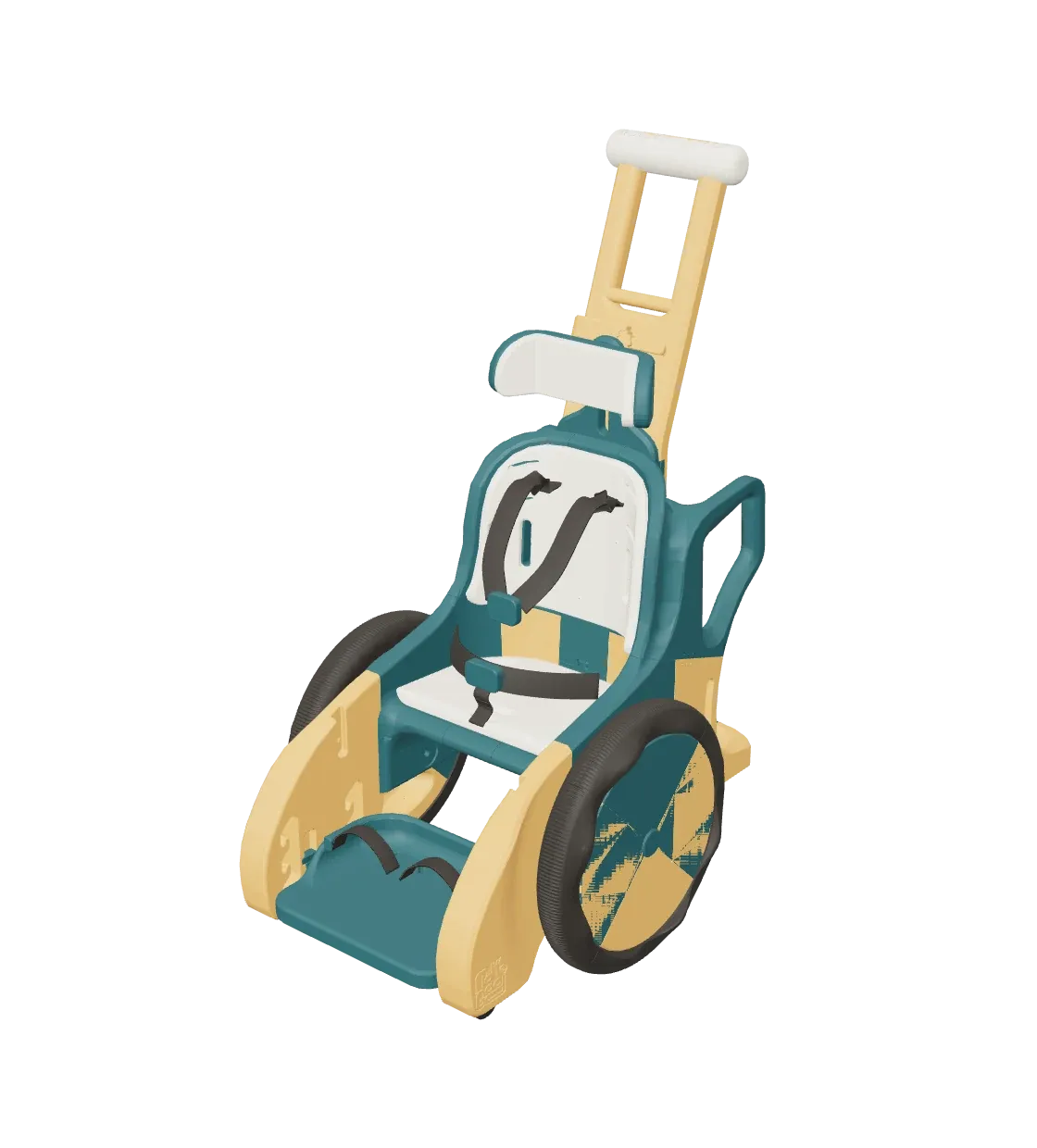
The MakeGood 3D TMT chair in deep teal and ochre, seen from the front and a little to the side.
Parts printed 3 of 33

3D model and print files: MakeGood · CC0. One-piece push handle: jeepxj · CC BY-NC.

How a build goesEvery part has a place

01

One list for every part and plate

Open the Print tab at the printer and mark a plate printing, then printed when it comes off. A failed print gets logged and goes back on the list as a reprint. Nobody has to remember which wing was the one that warped.

Print · by plate 3 of 33 printed
  • 04 Wheel Mount Right Printing
  • 05 Wing Right Reprint
  • 06 Wing Left To print
  • 10 Seat Back Top Printed
  • 11 Seat Center Printed
02

Plates laid out for your printer

Parts are arranged flat on plates sized for your bed, and each plate shows how full it is. Parts keep the orientation MakeGood designed. If one does not fit flat, the app says so instead of tipping it on its side. Export a plate as a 3MF for your slicer.

Link a printer through an OctoEverywhere share and the plate follows the print by itself.

Top view of one print plate with the headrest parts laid flat and numbered, from the app's plate view.
The plate view, from a sample build
03

Everyone sees the same thing

A team shares its builds, so the whole group works from one list. The activity history says who did what and when, and you can undo a mistake. Viewers can follow along without being able to change anything.

Activity
  • Dana marked plate 4 printing just now
  • Marcus logged plate 5 as failed, reprint queued 2 h ago
  • Dana marked plate 11 printed, 180 g yesterday
  • Priya added a photo to the headrest yesterday
04

Assemble, then hand it off

When the last part is printed the build moves to assembly, with a checklist from the MakeGood guide. Then comes a hand-off record: who received the chair, the date, and a few lines about the fitting. It stays with the build.

Hand-off record
Received by
Date
Fitting notes
  • Wheels spin freely
  • Straps checked
  • Photo added

Who it is forMakers, and the teams they build with

You have a printer, or a few, and you want to put a chair together for a child. Maybe you work alone in the garage. Maybe your team is a dozen people who each take a plate. Either way you need to know which parts are done and who has what.

It does not tell you how to print. It keeps the record, so the build does not live in one person's head or in a spreadsheet nobody updates.

And for choosing colorsThe chair, in your filaments

When you are choosing colors, give each role (primary, accent, soft, tire) a filament and see the chair that way before you print. The tracker adds up how much of each filament the build needs. There is a design studio and a shared gallery for it, which is a bonus next to the tracking, not the point.

The chair in deep teal, ochre, sand and charcoal.
  • Primary Deep teal
  • Accent Ochre
  • Soft Sand
  • Tire Charcoal
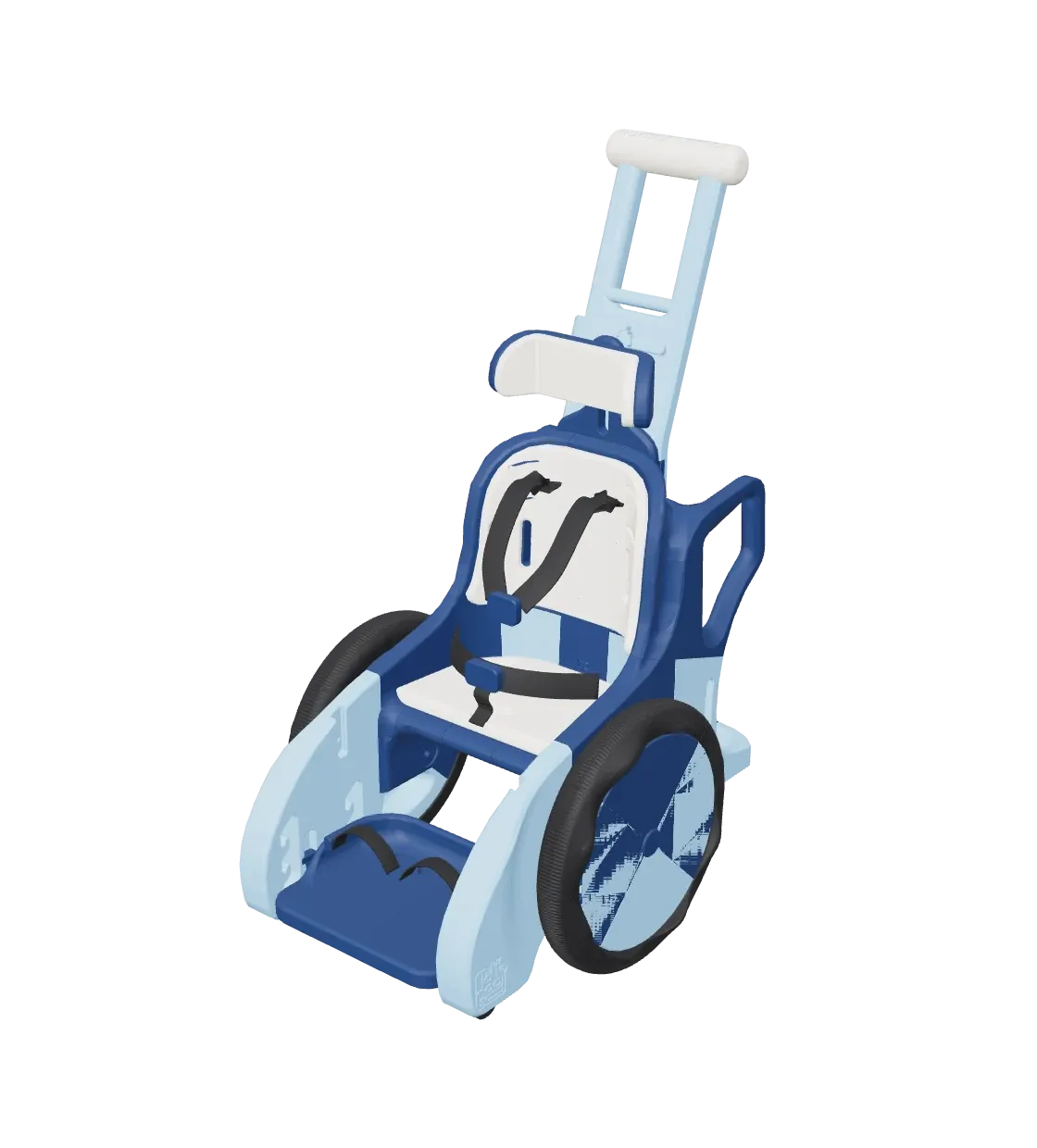
The same chair in navy, sky blue, linen and graphite.
  • Primary Navy
  • Accent Sky
  • Soft Linen
  • Tire Graphite

Where the chair comes fromThe design is MakeGood's

The 3D model and print files are by MakeGood, released under Creative Commons CC0 (public domain). This project did not design the chair and is not affiliated with MakeGood. Find the design on MakerWorld and read their build guide before you print.

Free and open sourceFree to use, open to read

The tracker is free. The code is MIT-licensed and public on GitHub. Read it, report a bug, or send a fix.

See it with a sample chair.

The demo gives you your own throwaway workspace. It is cleared after a day.

3D model and print files: MakeGood · CC0

TMT Build Tracker is an independent, open source project. It is not made or endorsed by MakeGood.